
Add documents to a machine
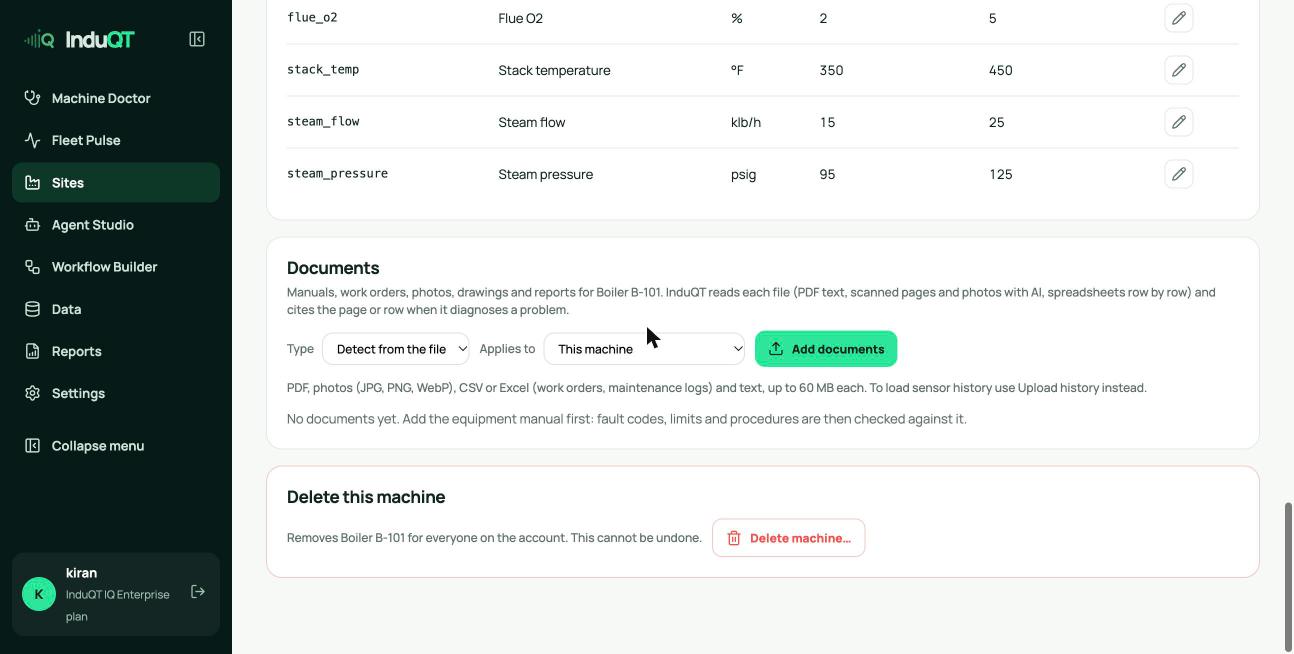
- Open the machine and click Documents at the top, or scroll to the Documents panel.
- Leave Type on Detect from the file, or choose Manual, Work orders, Photo, Drawing, Report or Other.
- Choose whether it applies to this machine or to every machine of its type (a manual shared by identical boilers, for example).
- Click Add documents and pick one or more files: PDF, JPG, PNG, WebP, CSV, Excel or text, up to 60 MB each.
What InduQT reads
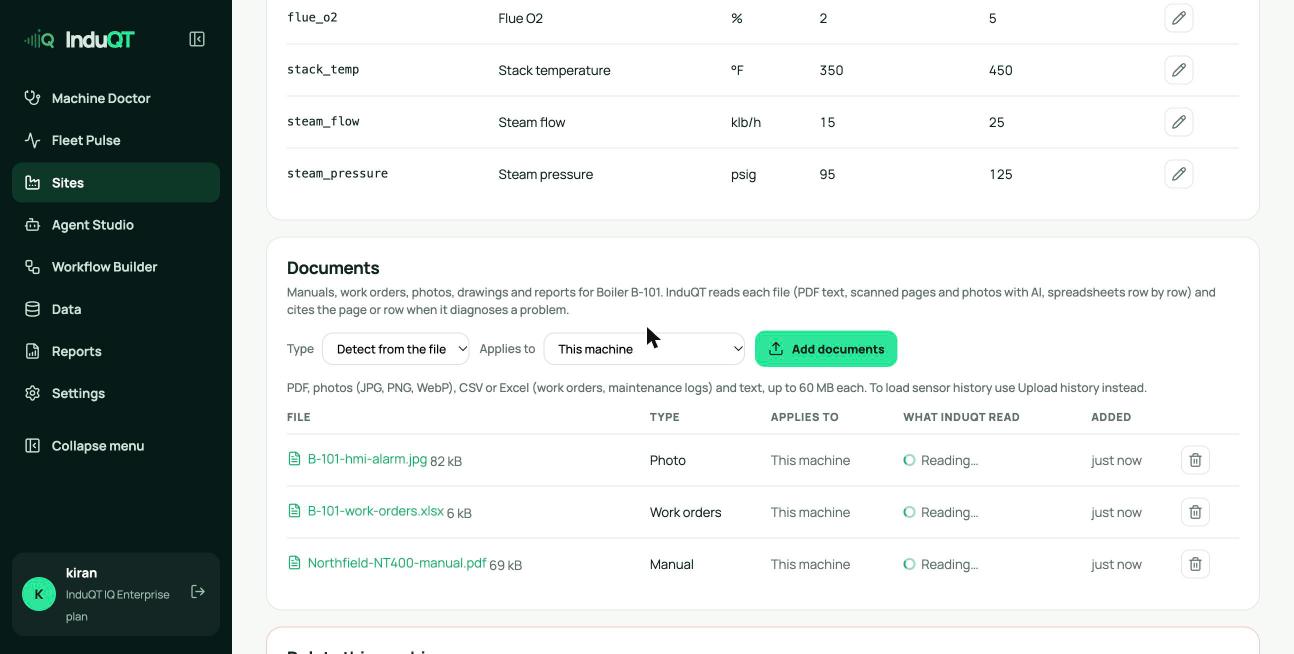
PDF manuals are read page by page. Scanned pages without a text layer are read by AI (up to 15 pages per file).
Work orders and maintenance logs in CSV or Excel are read row by row, so a passage can cite “workorders.xlsx row 6”.
Photos of nameplates, HMI screens and alarm displays are read by AI: codes, readings and labels.
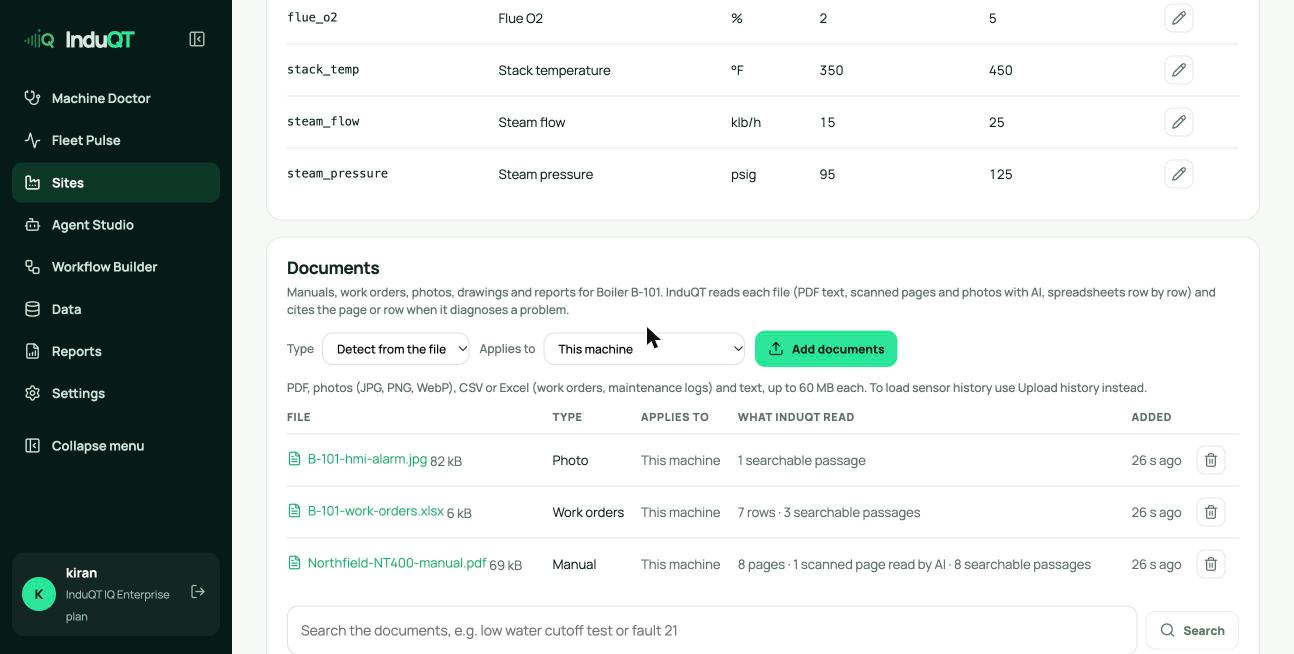
The What InduQT read column shows the pages, rows and searchable passages for each file. A failed file shows why and can be read again.
Search them
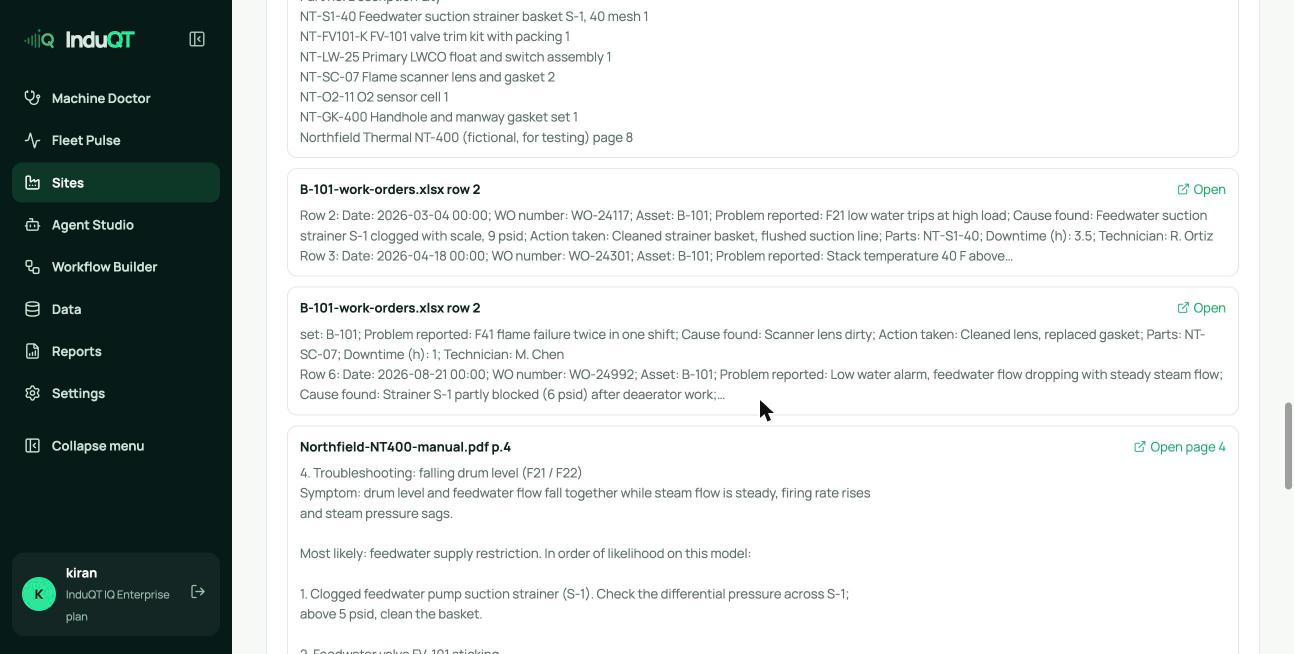
Type a question in Search the documents. The results are the same passages a diagnosis reads, with Open page to jump to the PDF page.
Tip: A PDF added as evidence on an investigation is added to the machine’s documents too, so later investigations can use it.