
Start an investigation
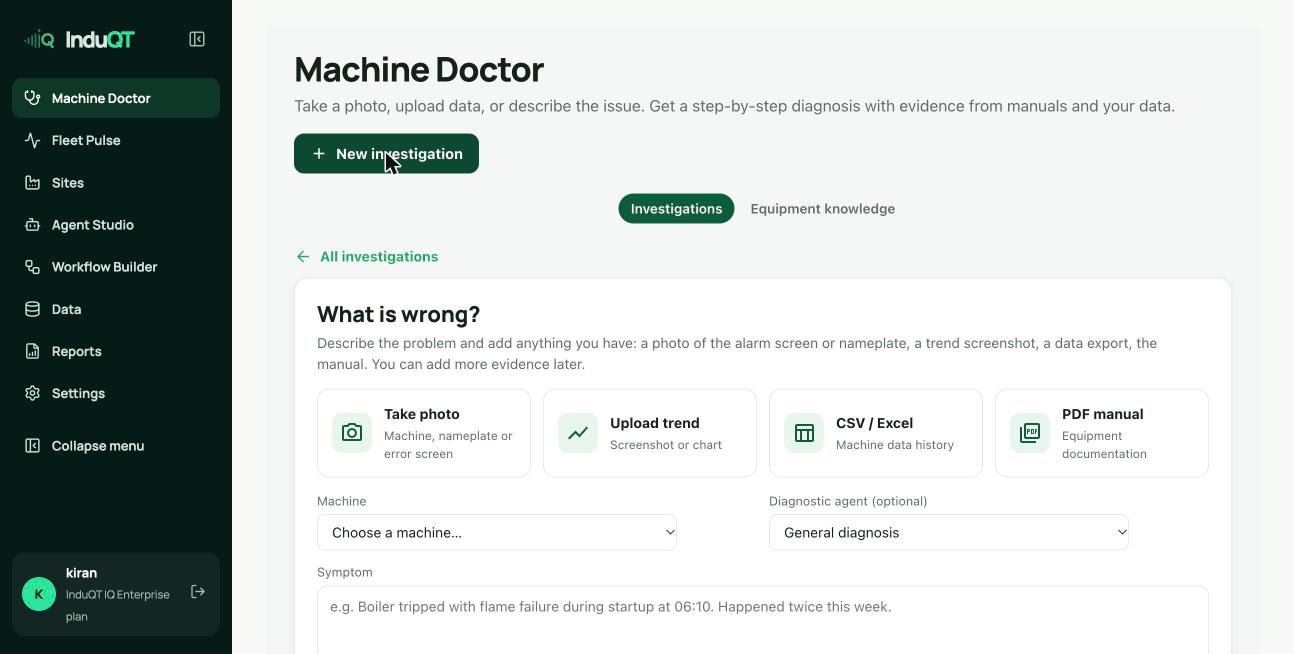
- Open Machine Doctor and click New investigation (or Investigate on a machine page).
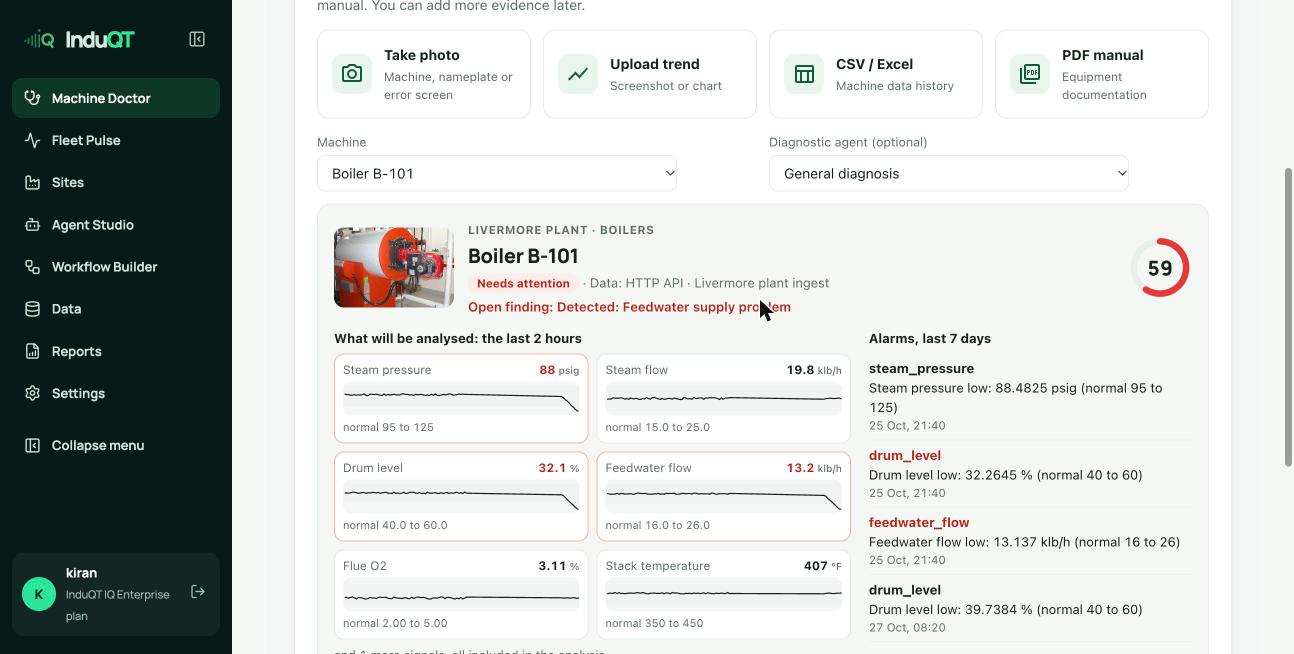
- Choose the machine. InduQT loads what it will analyse: the last two hours of readings, alarms from the last seven days, earlier investigations and their files.
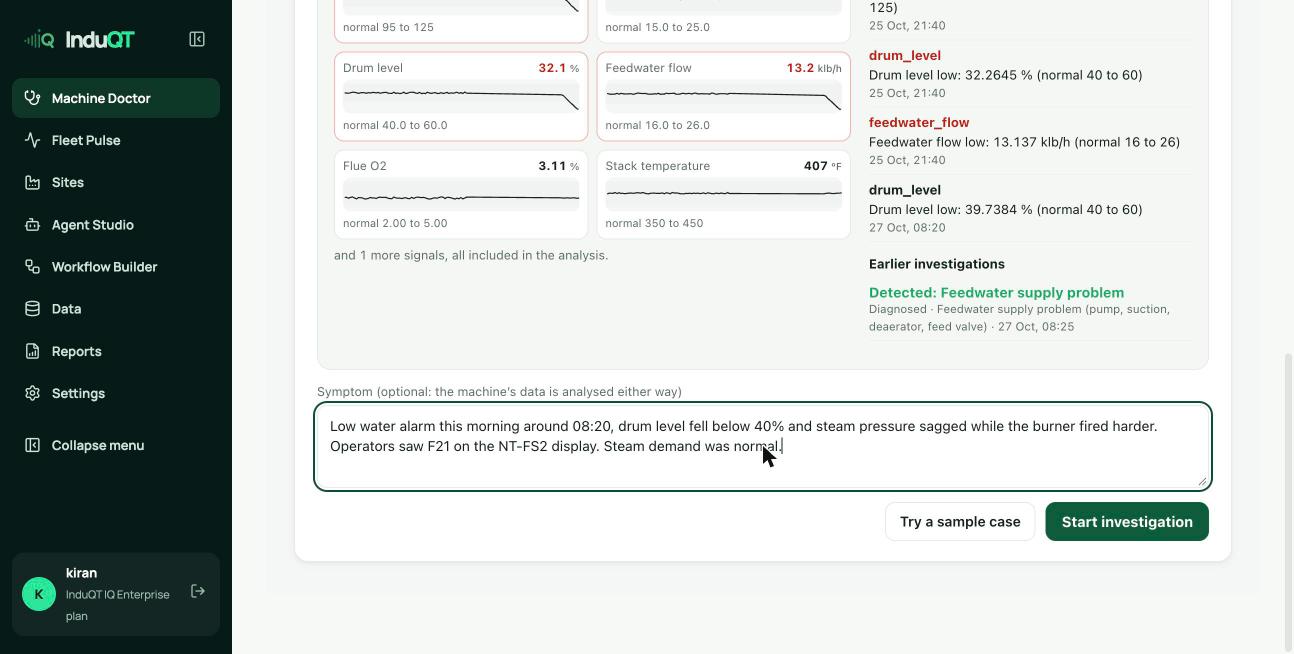
- Describe the symptom in plain words: what happened, when, any codes on the display. You can add photos, a trend screenshot, a CSV or a PDF now or later.
- Click Start investigation, then Diagnose.
Read the diagnosis
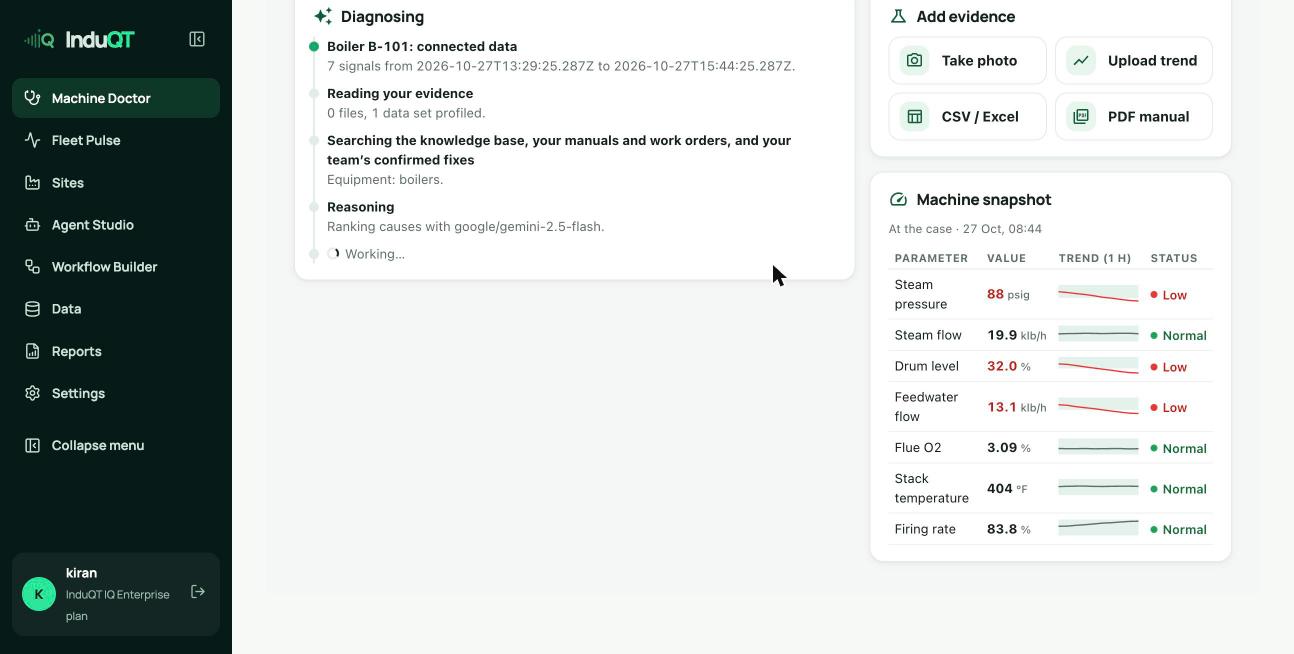
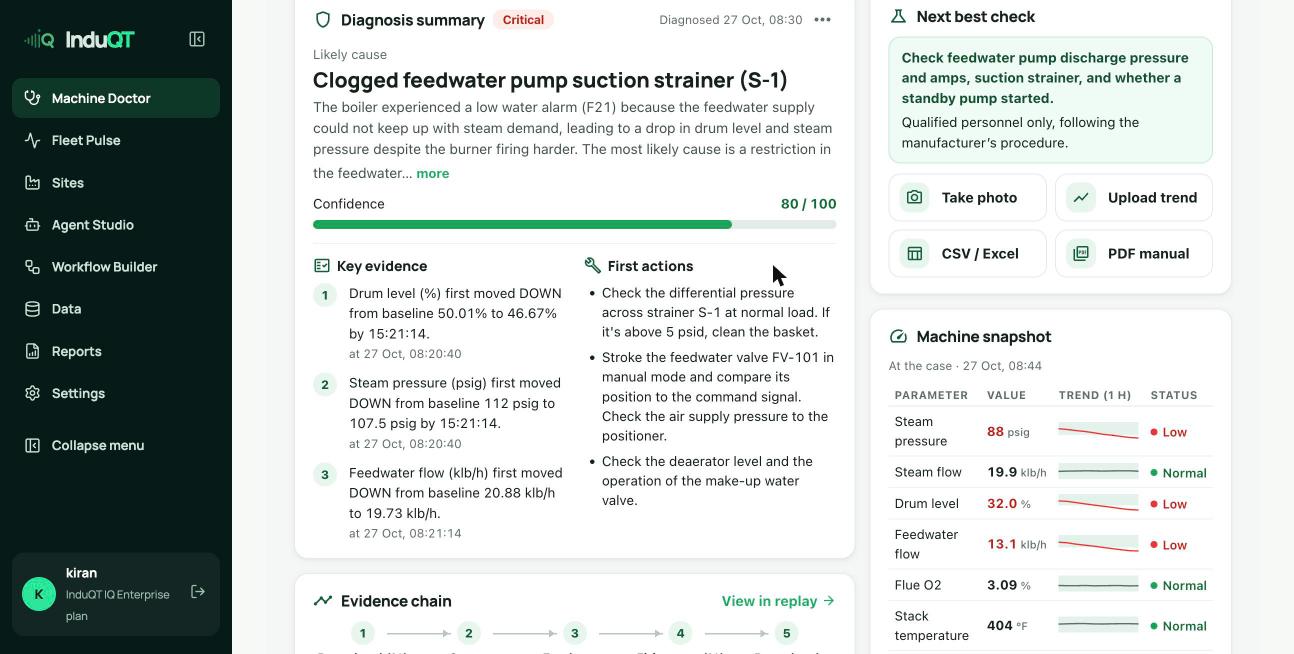
While it works you see each step: connected data, your evidence, the search of the knowledge base, your manuals and work orders and your team’s confirmed fixes, then the reasoning.
The summary gives the likely cause, confidence, key evidence with times, first actions and the next best check. Top hypotheses ranks the alternatives. Causes and checks taken from your manual cite the file and page.
Check the manual
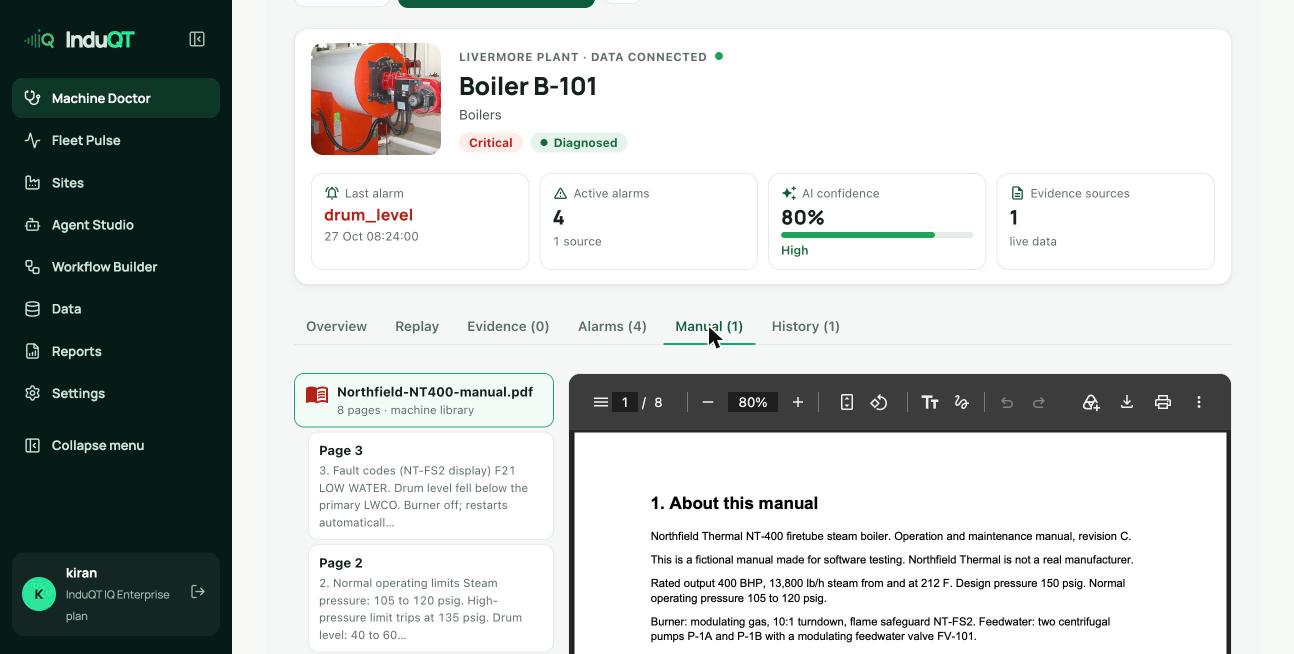
The Manual tab lists the machine’s manuals with the pages the diagnosis cited. Click a page to open it beside the list.
Add evidence and diagnose again
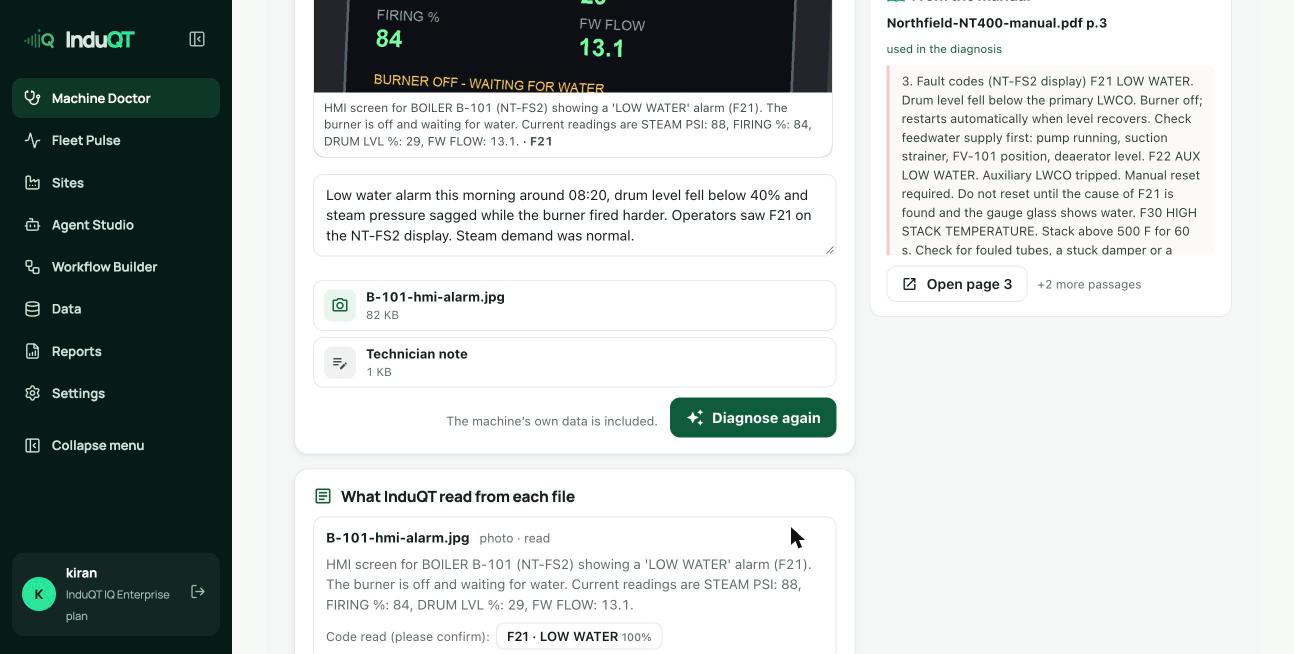
Add what you find: a photo of the alarm screen, a measurement, a data export. Photos are read straight away and alarm codes appear for you to confirm.
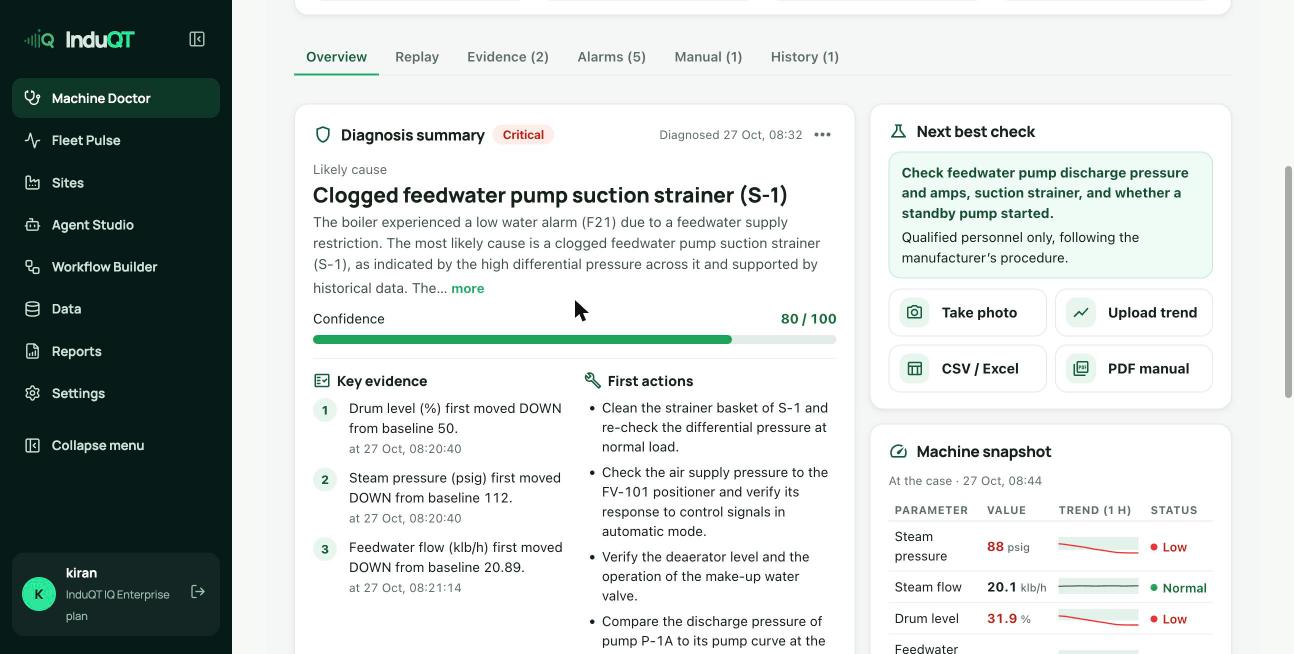
Add a technician note for checks you made (for example “strainer dP 8.5 psid”). Then click Diagnose again: the summary and first actions update to the new evidence.
Confirm and close
When the fix is done, confirm the cause under Teach the engine. The case is marked confirmed, the confidence shows 100 and the fix becomes part of your team’s history for future investigations.
Use ⋯ for the report, sharing and the full replay.