
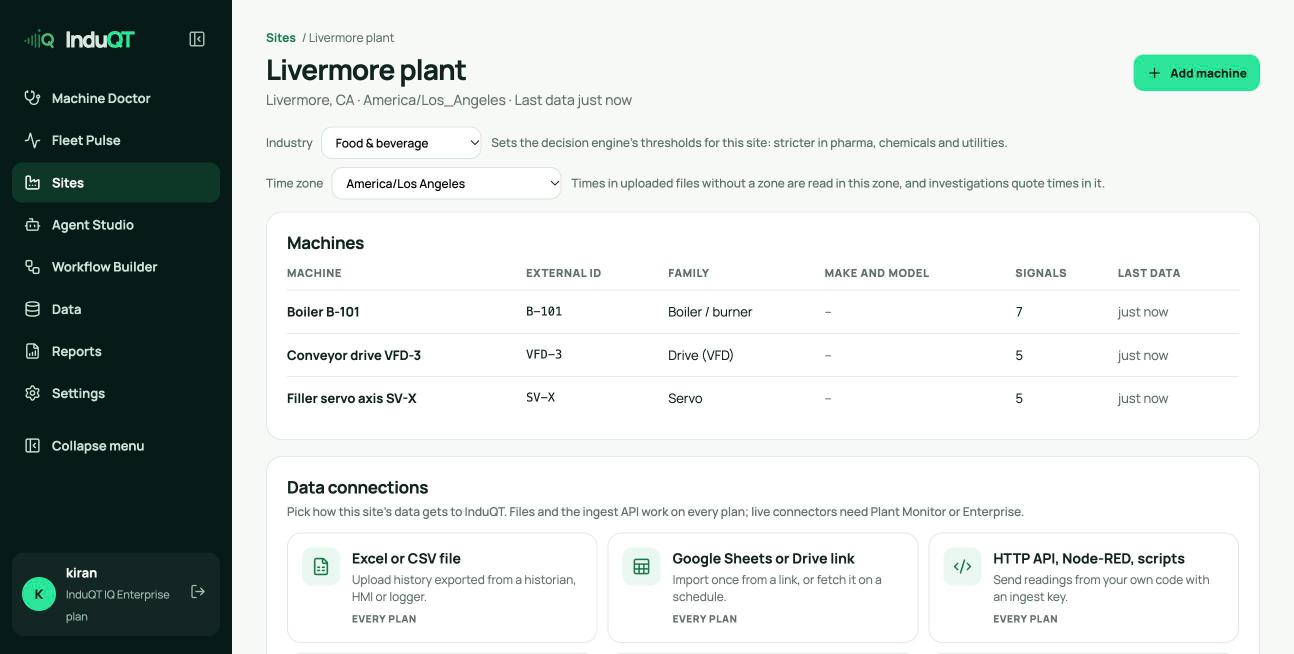
Industry and time zone
Open the site and click Data sources. The industry sets the decision engine’s thresholds. The time zone is used to read files whose times have no zone and to quote times in investigations. New sites take your browser’s time zone.
Delete a machine or a site
At the bottom of a machine page, Delete this machine removes it with its signals, history summaries, decisions, recordings and documents. At the bottom of the site’s Data sources page, Delete this site removes the site, its machines and connectors, and revokes API keys limited to the site.
Investigations are kept without a machine unless you tick Also delete its investigations. You type the name to confirm. Deleting cannot be undone.