
Edit a signal
Leave a bound empty when only one side matters, for example a temperature that only has a high limit.
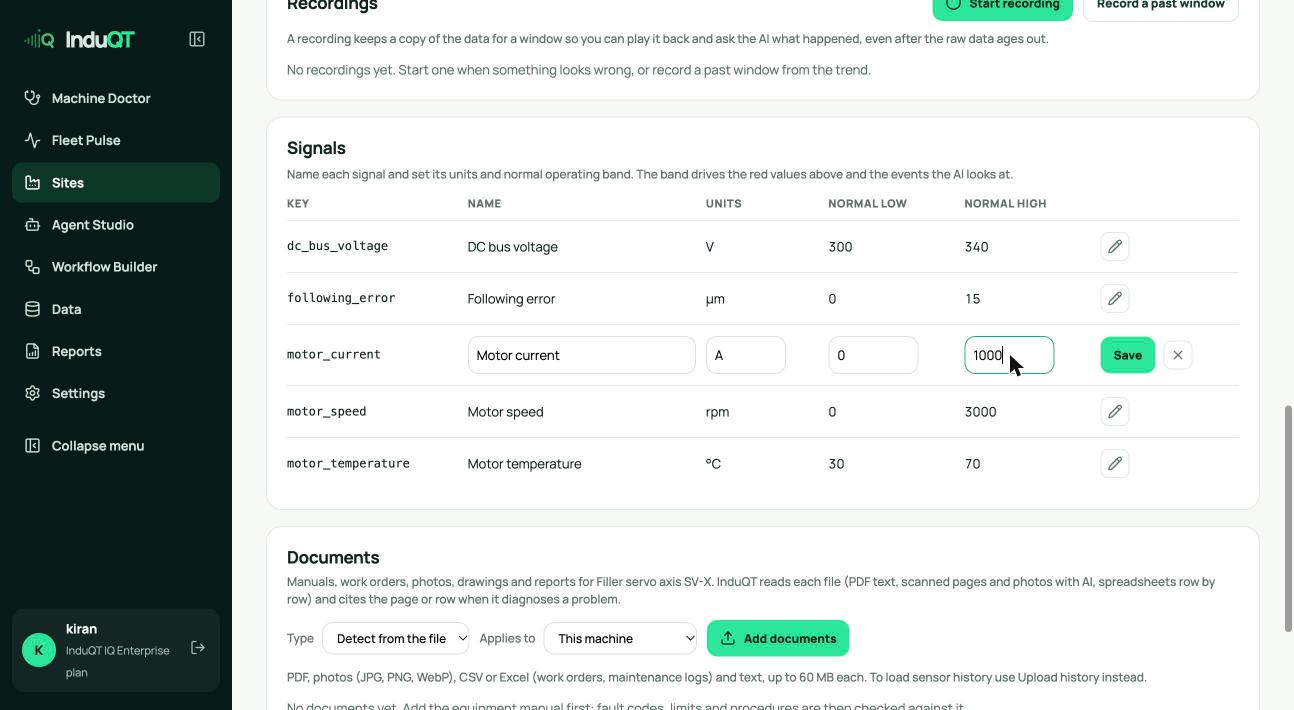
- Open the machine (Sites → Data sources → the machine name, or from its card).
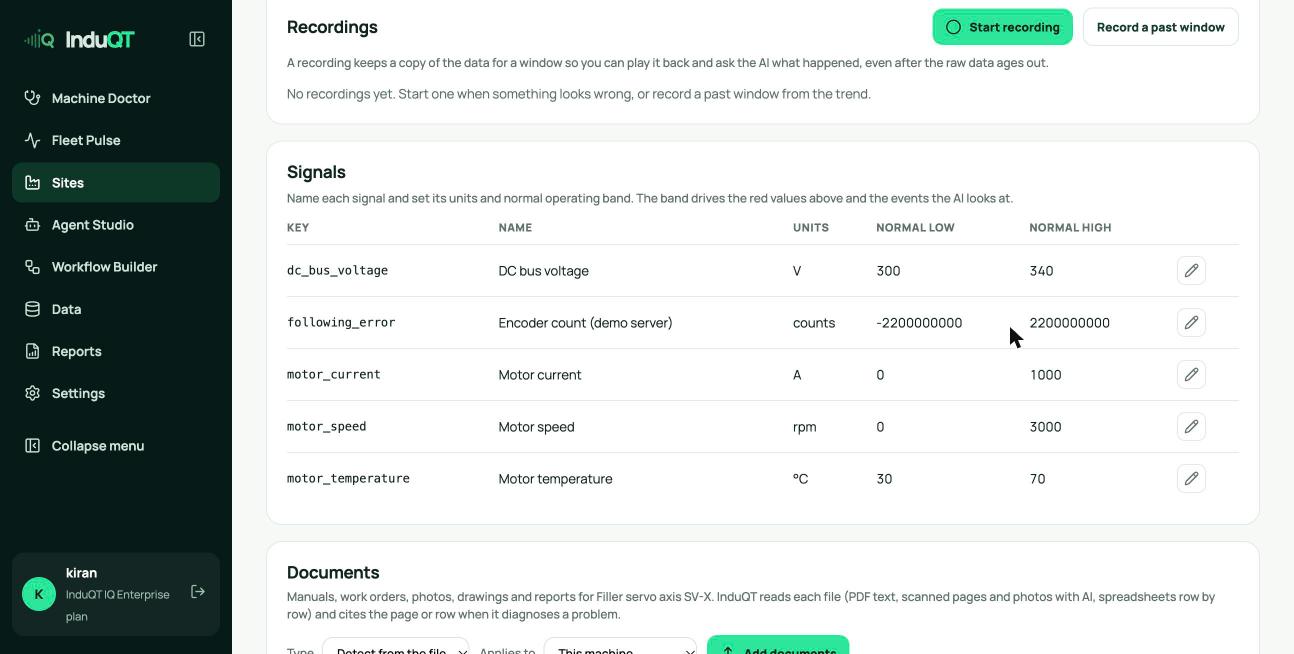
- Scroll to Signals and click the pencil on a row.
- Change the name, units, normal low or normal high, then press Enter or Save.
Why the ranges matter
A reading outside its range turns red, counts as an alarm and makes the decision engine look at the machine within two minutes. Ranges that are too tight make noise; ranges that are too wide hide real problems.
Set them from the manual’s operating limits or from a few weeks of normal running.