
Prepare the file
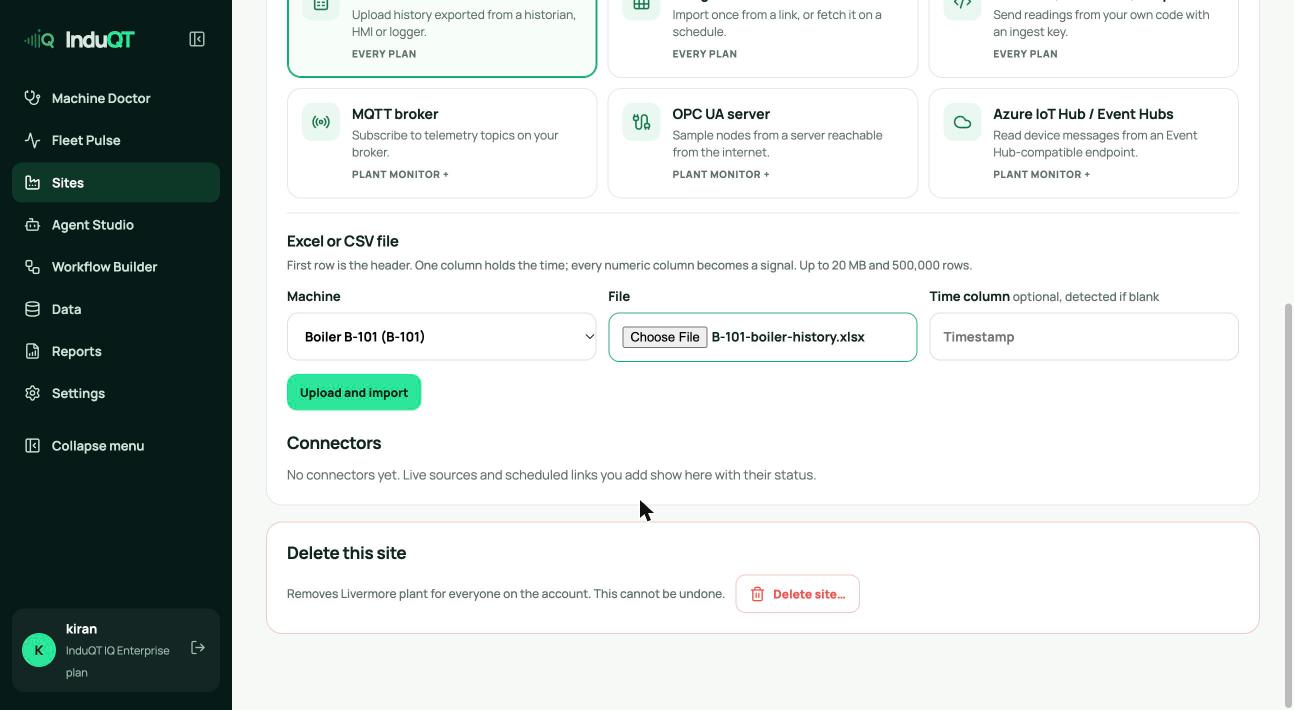
The first row is the header. One column holds the time; every numeric column becomes a signal. Units in brackets are read too: “Steam pressure (psig)” becomes the signal steam_pressure in psig.
Times without a time zone are read in the site’s time zone, so set that first (Site settings).
Up to 20 MB and 500,000 rows per file. CSV, TSV and Excel (.xlsx) work.
Upload it
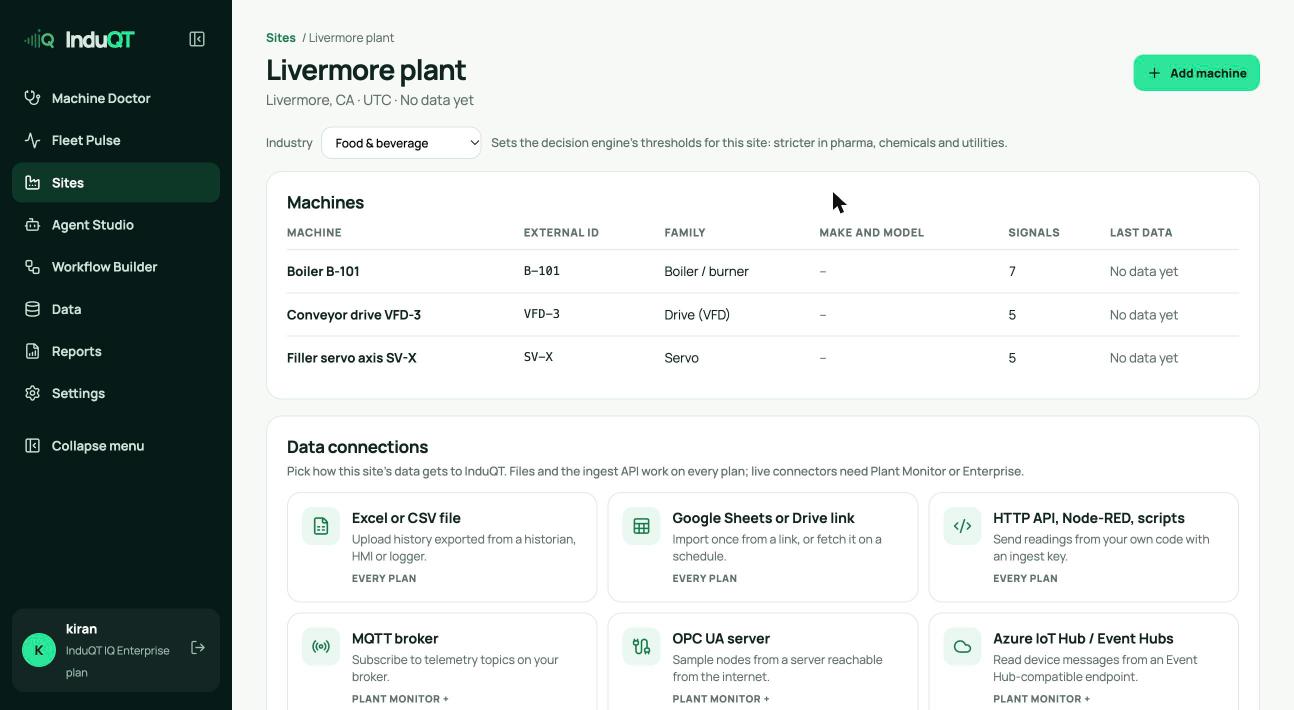
- Open the site and click Data sources.
- Choose Excel or CSV file.
- Pick the machine, choose the file and click Upload and import.
Check what was loaded
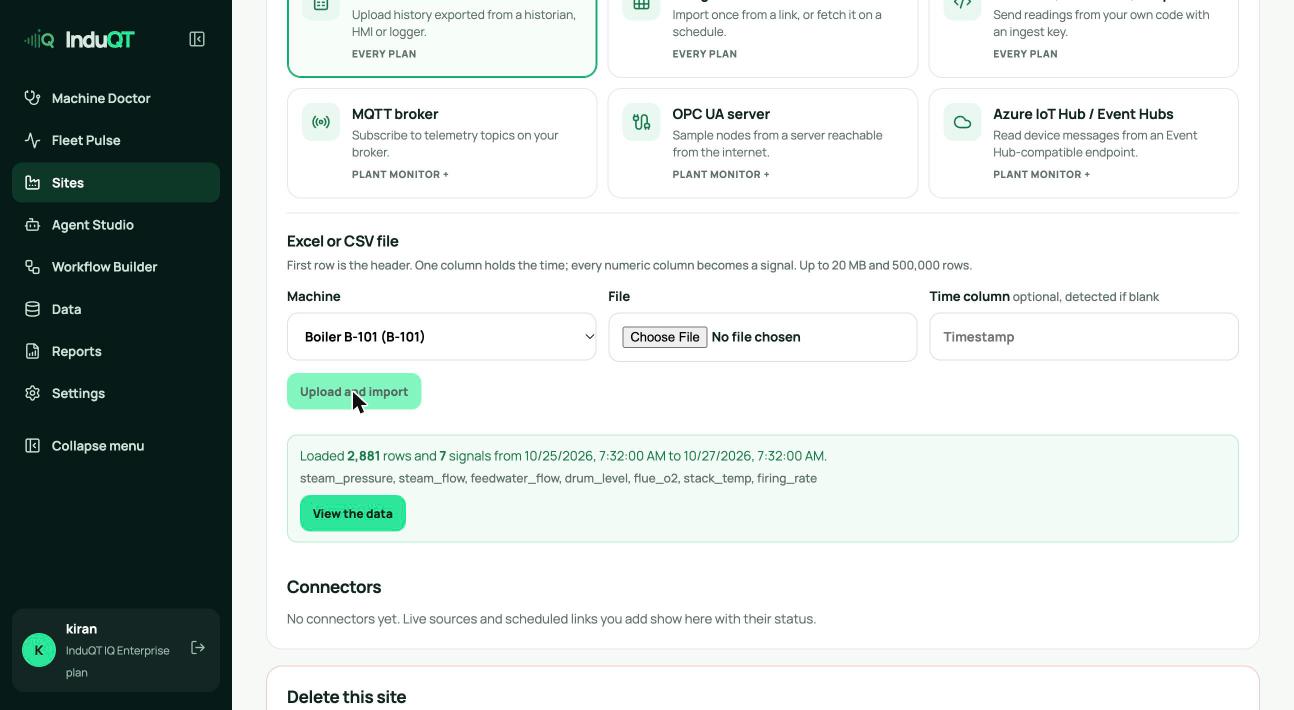
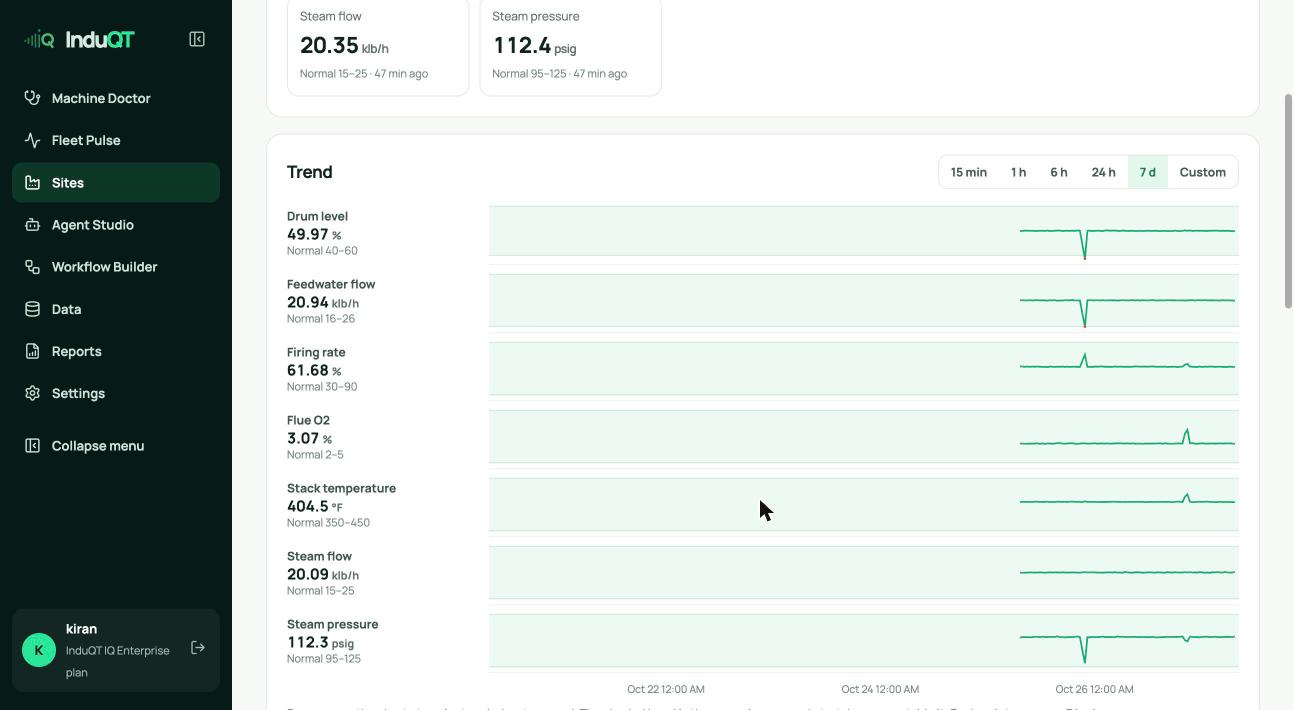
InduQT reports the rows, the time range and the signals it found. View the data opens the machine with its latest values and trend.
Tip: Upload the same file again and InduQT keeps one reading per signal and time, so re-imports do not double the data.