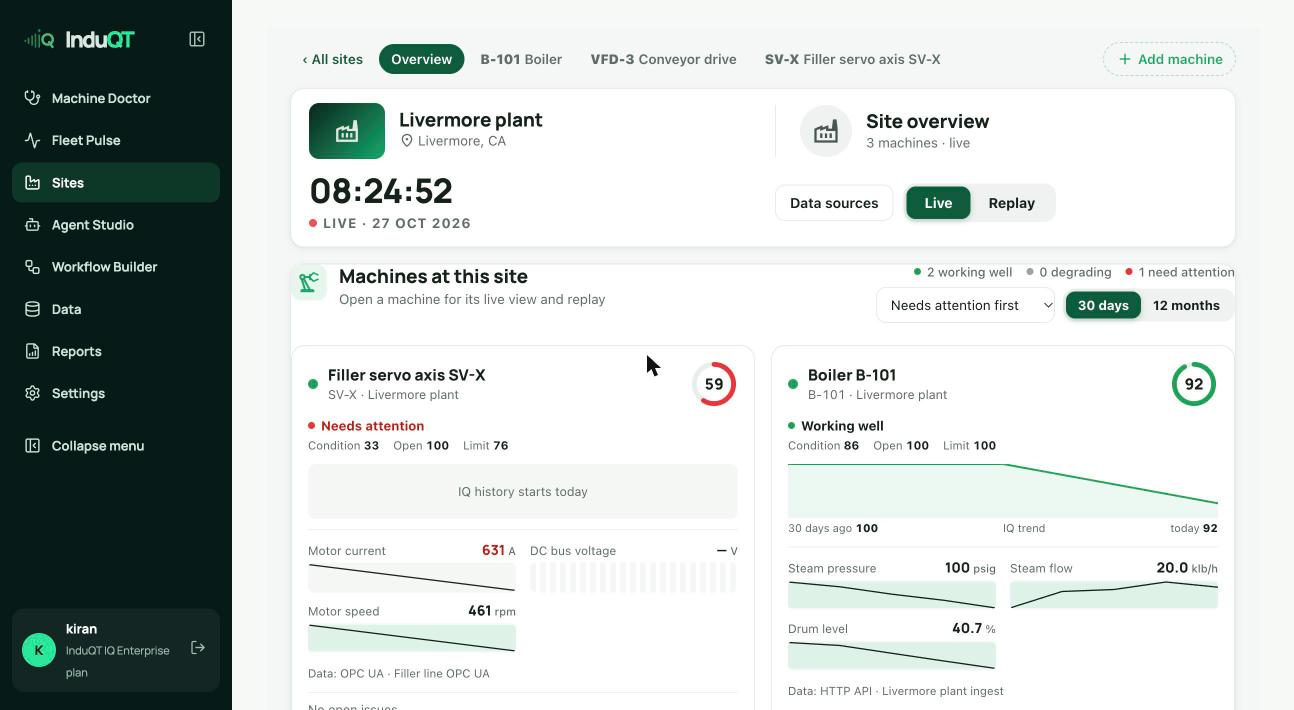
The site live view
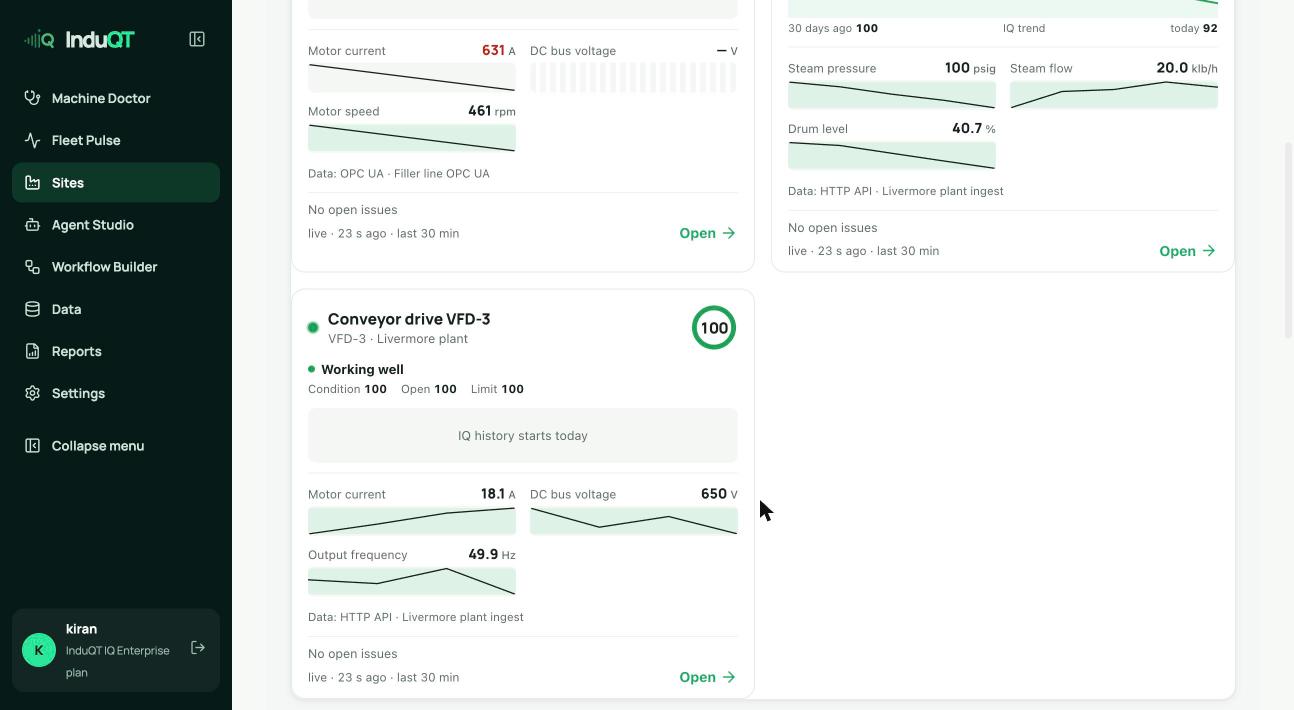
Sites → Open site shows each machine as a card: its health status, IQ score (0 to 100), the key signals with sparklines, where the data comes from and any open issues.
Needs attention means a reading is outside its normal range or the decision engine found a problem. Sort by Needs attention first to see those on top.
Plant view and timeline
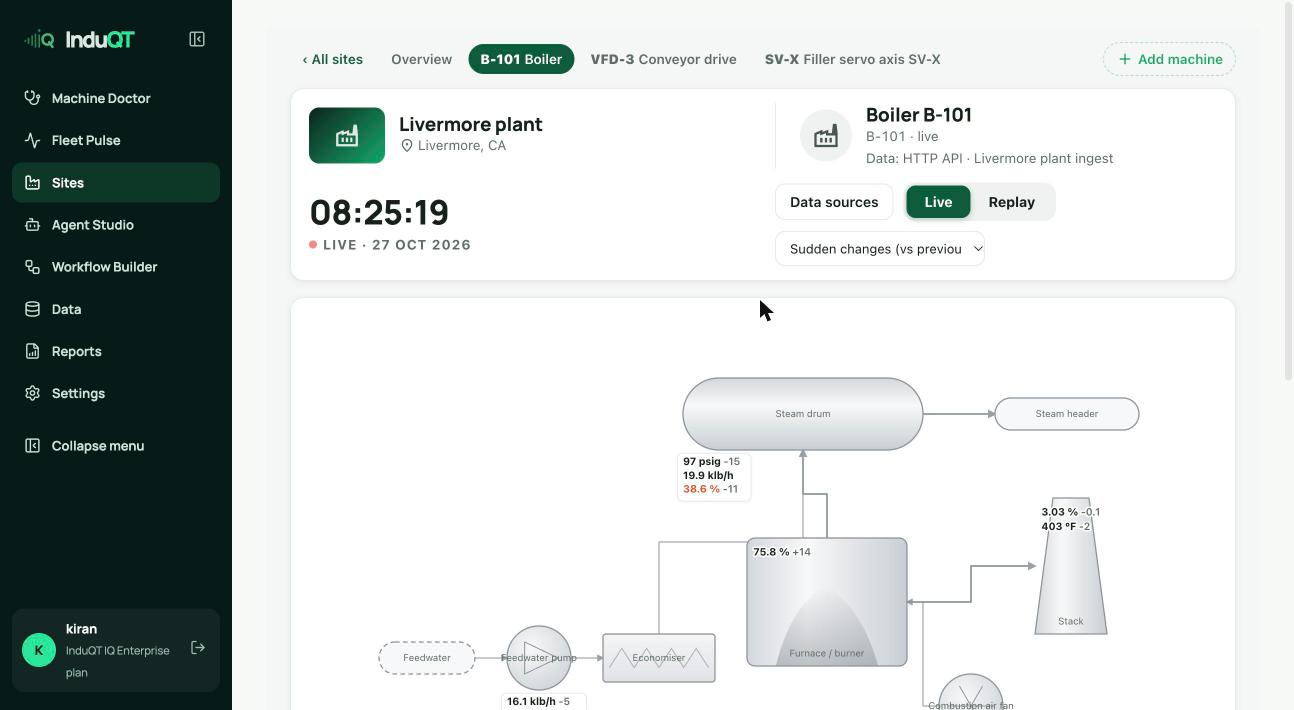
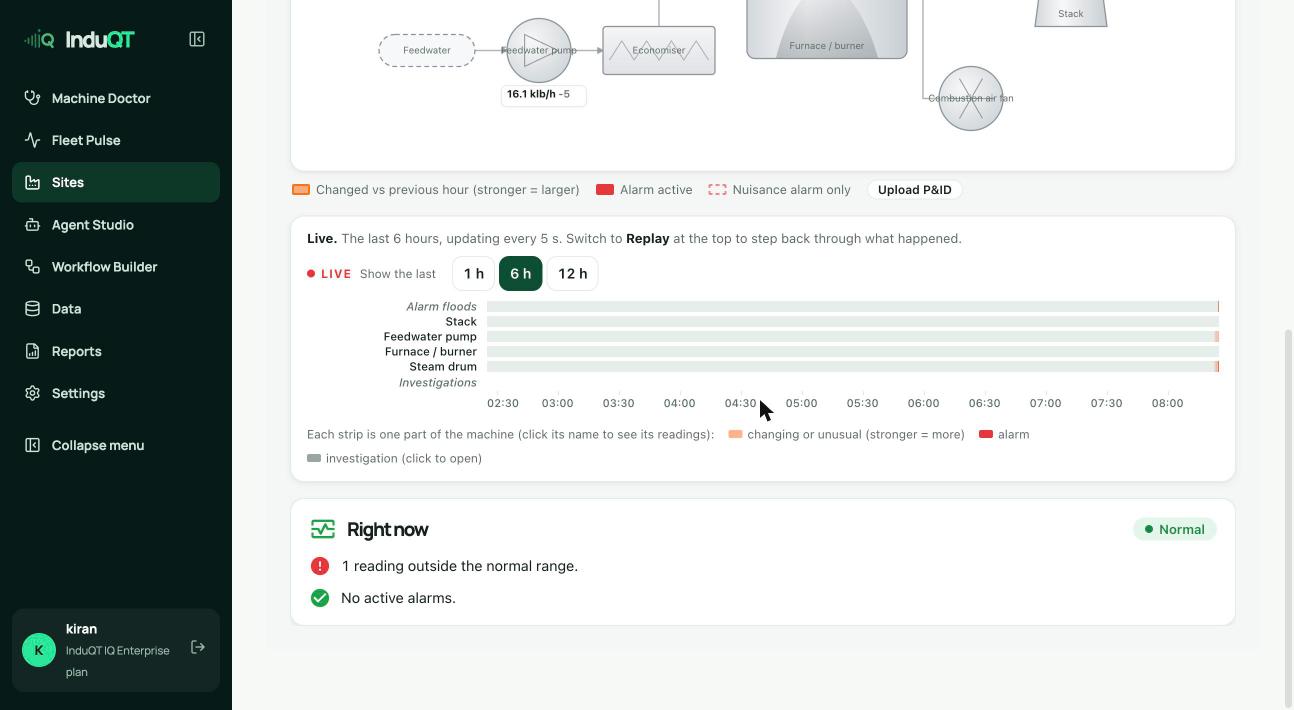
Open a machine to see its plant view: the equipment drawn with live readings and how much each changed in the last hour. Red values are outside their normal range.
Below it, the timeline shows each part of the machine as a strip. Shading marks change and red marks alarms. Click a strip name to see its readings. Switch to Replay at the top to step back through what happened.
Upload P&ID replaces the drawing with your own P&ID. InduQT reads the PDF or image and places the readings on it.
Fleet Pulse
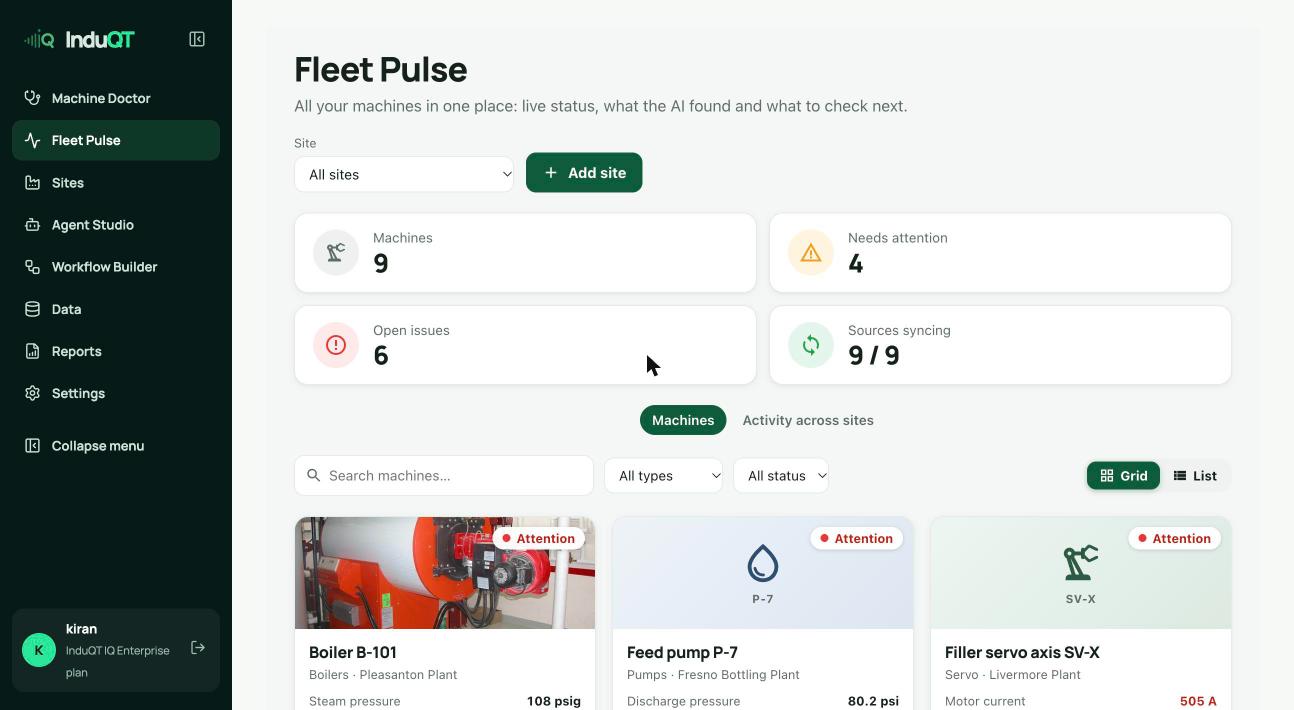
Fleet Pulse lists every machine across all sites with photos, status and the latest readings. The counters show machines, those needing attention, open issues and how many data sources are syncing.
Filter by site, type or status, switch between grid and list, and click a card for the machine’s details.